HELP CENTER
We're here to help you
Guides, tutorials and answers to help you get the most out of Previra.
⌕ Search for a topic, question or keyword...
Popular searches:How to startCreate a reminderAI assistantPlansPrivacy
Video tutorials
Short practical videos to use Previra with confidence.
▶
Getting started2 min▶
Create a reminder3 min🎙
Using voice2 min▶
Scan documents3 minFrequently asked questions
Quick answers about Previra, plans, features and more.
1. How does Previra work?⌄
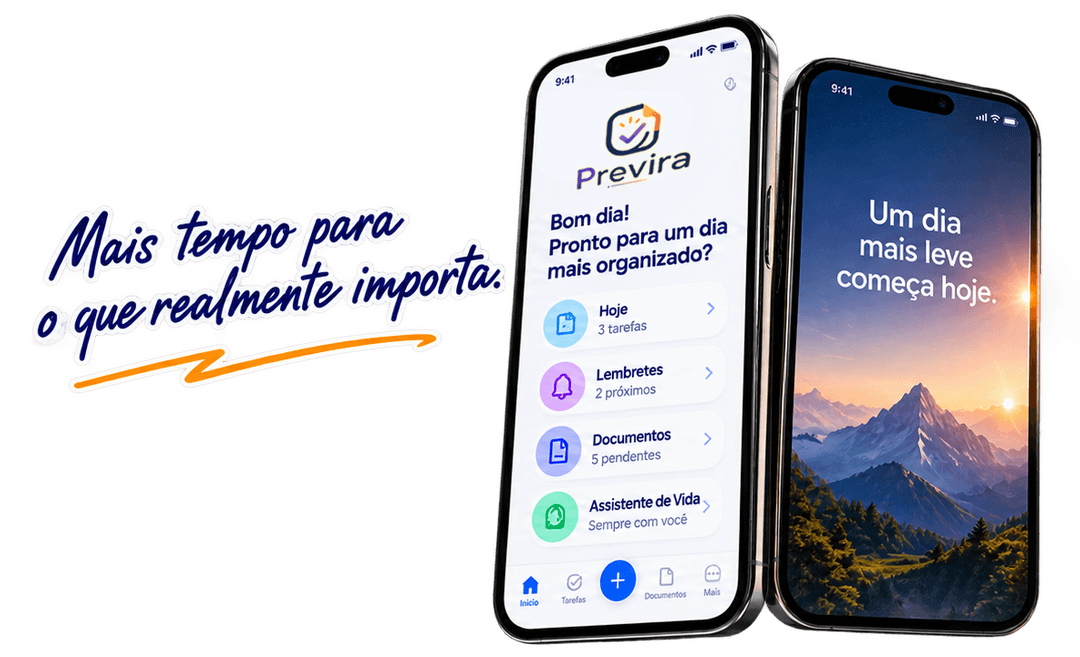
Previra organizes, tracks and reminds you about what matters.
2. Which plans are available?⌄
Compare features and choose the plan that fits you.
3. Can I use it on phone and computer?⌄
Yes. Previra works on iOS, Android and Web with sync.
4. How do I create a reminder?⌄
Add tasks, events and reminders by text or voice.
5. How does the AI assistant work?⌄
Use voice or text to chat, create reminders and get help.
6. Is my data private and secure?⌄
Yes. Your data is protected and access follows your permissions.
7. Can I scan documents and use OCR?⌄
Yes. Previra can read documents and extract useful information.
8. How do I share with family or team?⌄
Invite people and manage shared access.
9. Can I cancel or change my plan?⌄
Yes. You can change or cancel your plan anytime.
10. How do I contact support?⌄
Use the contact page or chat with Previra AI.
Still need help?
Our support team is here for you.